
New pathway icons on the Formulary website
New pathway icons have been introduced as part of updates to the formulary website
Following user feedback, we've updated the pathway icons that are used on the formulary website. These icons show which area of the formulary the recommendations relate to:
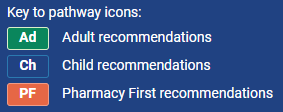
If you don't see the new icons then refreshing your web browser should resolve this. You can do this on most Windows web browsers by pressing CTRL+F5 (or use Cmd+Shift+R on a Mac).
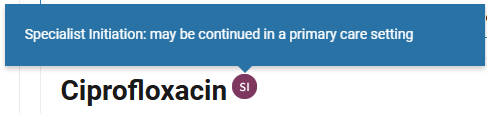
If you see any flag or icon on the website and would like to know what it means, simply hover your mouse over it and a pop up will appear on screen (see example below). On a mobile device you can simply tap the icon with your finger.
An update to the mobile app to reflect the new pathway icons will be released in the near future.